
Temp cover
How temp cover actually works
A chair is empty on Thursday. Here’s exactly what happens between now and somebody standing in it, including the parts that stop being your problem the moment you book through us.
The whole thing is three moves
Two of them are yours and take a couple of minutes. The third is the one that matters, and it’s ours.
You describe the gap
Create a request from your dashboard: the position category, the date, the hours. That's the whole form. If you already know who you want, you can point it at people your office has worked with before.
It reaches people who can actually take it
The request goes to licence-verified professionals within travel distance of your practice. They claim it, you confirm the match. Nobody is calling round on your behalf and nobody is waiting on a callback.
They turn up as our employee, not yours
For the length of that booking the professional is on our payroll. You direct the work in your operatory. You don't onboard them, run them through payroll, or add them to a policy.
Three ways to fill a chair
Posting a shift is the obvious one. The other two exist because the hardest bookings are rarely the urgent ones, they’re the ones where you need a particular person on a particular day.
Create a shift
The direct route. Put the date and category up and let it reach everybody nearby who fits. Best when you know exactly what you need and when.
Same-day works the same way. Post as soon as you know about the callout, because a same-day fill depends on who happens to be free that morning and posting earlier always widens the pool.
Set an alert
The other direction. Describe the shape of what you tend to need and get told when somebody who fits comes free, instead of checking back yourself.
Useful for the bookings you can see coming, like a known leave block or a recurring gap in the schedule, where the constraint is finding the right person rather than finding anybody.
See who is already free
Professionals publish the days they're open. You can look at that before you post anything at all.
It changes the question from "will somebody answer?" to "who is already free on the fourteenth?", which is a much better question to be asking on the morning of a callout.
Alerts prioritise people your office has already worked with, so a familiar face tends to hear about the shift first. Walk through a first request.
What happens before anybody reaches your schedule
The reason a temp can be in your operatory on a few hours notice is that the slow work was done weeks earlier, on somebody else. None of the four below is something you’d have time to do on the morning of a callout.
How we hold the employmentThe licence is checked at the source
Every credential is verified against the issuing state or provincial board and confirmed active and unrestricted before that person's eligible for a single shift. Not a copy of a certificate, the register itself.
It's checked again on renewal
Credentials expire. Ours are re-checked when they renew, and anybody whose licence lapses stops being eligible until it is current again. That's the part an office can't practically do itself for a one-day booking.
They are onboarded as an employee
Before a first shift there is real onboarding: employment paperwork, tax setup, and the coverage that comes with being on our payroll in that jurisdiction. It happens once, on our side, not every time you book somebody new.
They are matched to your market, not a map
Eligibility is per jurisdiction, because payroll accounts, workers' compensation and labour standards are all held at the state or province level. It's why coverage arrives one market at a time rather than everywhere at once.
The trade
What stops being yours, and what does not
Being employer of record on a temp booking is the whole product. It’s also a boundary rather than a blanket, so both sides of it are here.
Ours on every temp booking
- Payroll, and the withholdings that go with it
- Employment taxes in that jurisdiction
- General and professional liability cover on the booking
- Workers' compensation, so an injury on the shift is a claim on our account
- Licence verification, before the shift and again on renewal
- Employment standards: overtime, breaks, final pay
Still yours, and we won’t pretend otherwise
- Whether somebody suits your operatory. We confirm they're registered and insured, not that they're right for your chair.
- Directing the clinical work on the day, the same as with anybody else in your practice.
- Your own equipment, materials and infection control protocols.
- Giving as much notice as you can if plans change. A late cancellation costs somebody their day.
On a permanent hire none of the left-hand column applies. You employ that person from day one, which is a different service and a different page. Where the line sits.
When plans change
Schedules move. Before a request is claimed you can edit or cancel it and nothing else happens, it simply stops circulating.
After it is claimed we tell the professional straight away. Because they may have turned other work down to hold the date, a late cancellation can carry a fee. That’s not a penalty aimed at you so much as the reason somebody was willing to hold the day in the first place.
Cancelling and changing shiftsIf somebody fits, ask
Working alongside somebody for a few shifts tells you more about fit than an interview does, and they’re forming the same view of your practice.
If you want them permanently you can ask, and we’ll handle it from there. Worth saying plainly: this is a question, not a pipeline. Plenty of professionals temp because they want to temp, and the answer is genuinely theirs to give.
How permanent placement worksWhat it looks like in the app
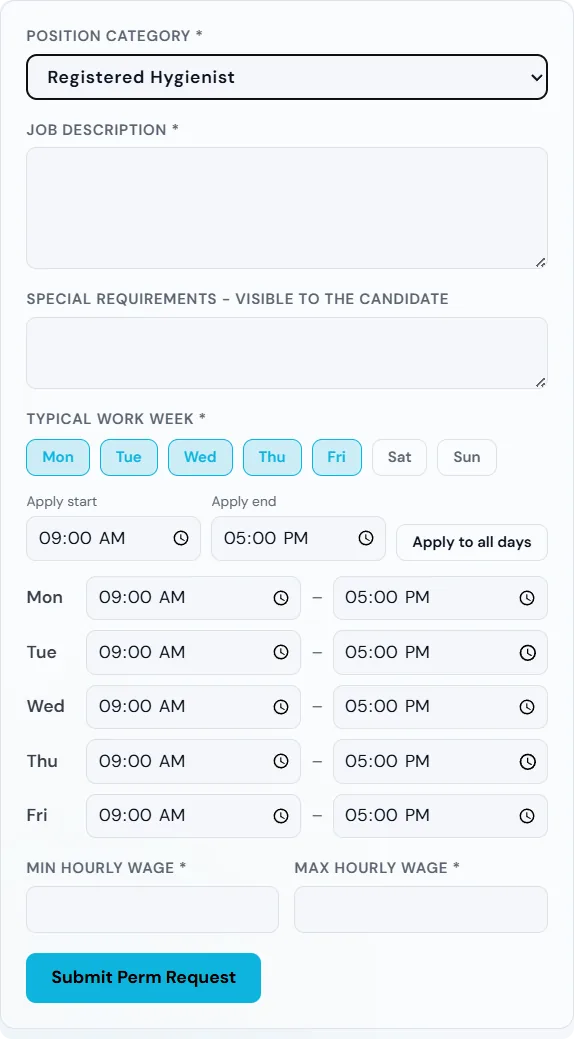
The request
Category, date, hours. Matched professionals nearby are alerted and can claim it in a tap.
The alert
What a professional sees when your opening reaches them, on the phone they actually carry.

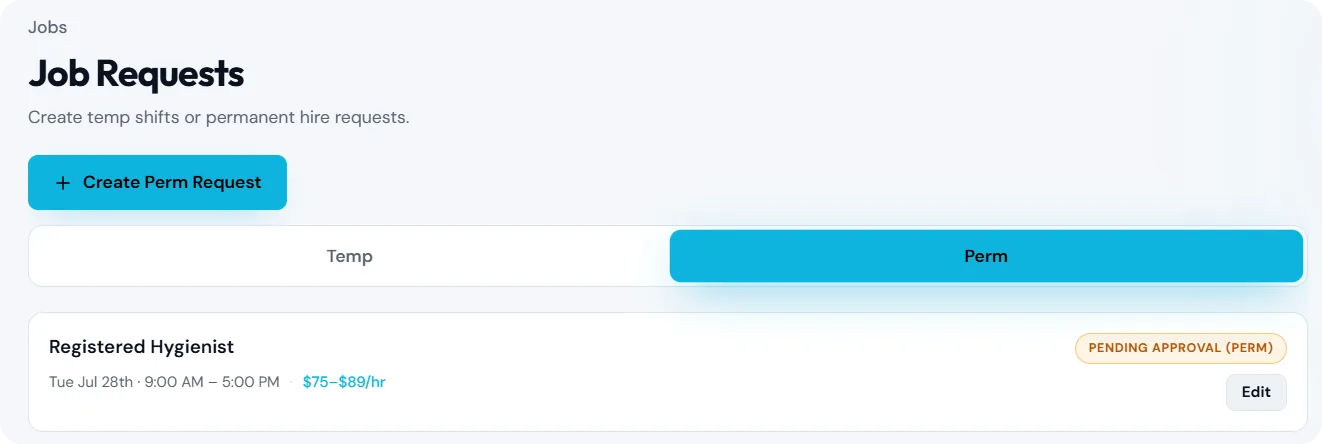
The responses
Who claimed it, and who you have worked with before. You confirm the match.
Vetted dental professionals ready to cover an open chair near you, in the markets where we operate.
See the networkSetting up takes a few minutes
You’ll need your practice name and address, and the contact details of whoever manages the schedule. We confirm your details, check that we operate in your market, and then you can post a request straight away. If we’re not live near you yet we’ll say so rather than leave a request sitting there.